The Kith Guide › Character management
📐 Build Studio
Skills, SEAs, buffs and gear on one live sheet — save it, name it, share it as a code.
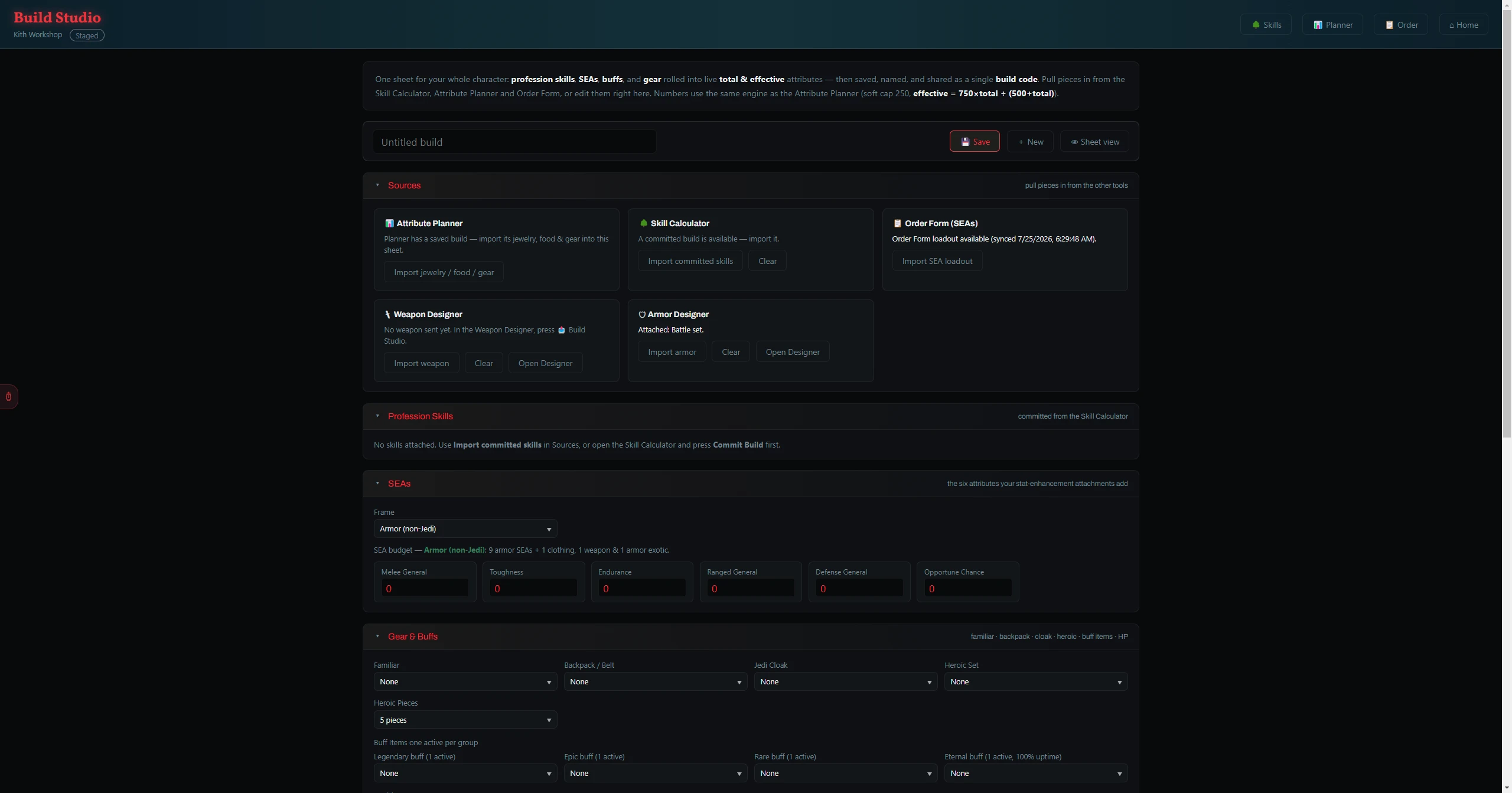
Build Studio rolls your whole character onto one sheet — profession skills, SEAs, buffs and gear — and shows live Total and Effective attributes using the same diminishing-returns engine as the Attribute Planner. Save, name and share builds as a compact code.
How It Works
- Import from the Skill Calculator, Attribute Planner or SEA Builder to pull in your skills and starting attributes.
- Edit gear, buffs and SEAs in the compact editor; the Total & Effective attribute readouts update live.
- Bring in your designed weapon and armor: the Weapon Designer and Armor Designer each have a 📤 Build Studio button that snapshots their computed stats into the sheet (shown as read-only cards).
- Save and name builds, or generate a share code (
bld1…) you can hand to someone else to load the exact same build.
Tip: One source of truth: the attribute math lives in a shared Build Engine that both the Attribute Planner and Build Studio use, so the two tools can never disagree on a number.