The Kith Guide › Crafting & RE
🍳 Chef
Every food and drink buff, the Chef skill tree, and which dish to cook for a run.
Chef is the food & drink profession hub: browse every buff a Chef can cook, look up the exact schematic behind each one, plan your way up the Chef skill tree, and read the meta on which buffs players actually pay for. When you've picked a buff to make, one click hands it to the Crafting Tool to optimise your resources — Chef itself doesn't score resource quality, that's the Crafting Tool's job.
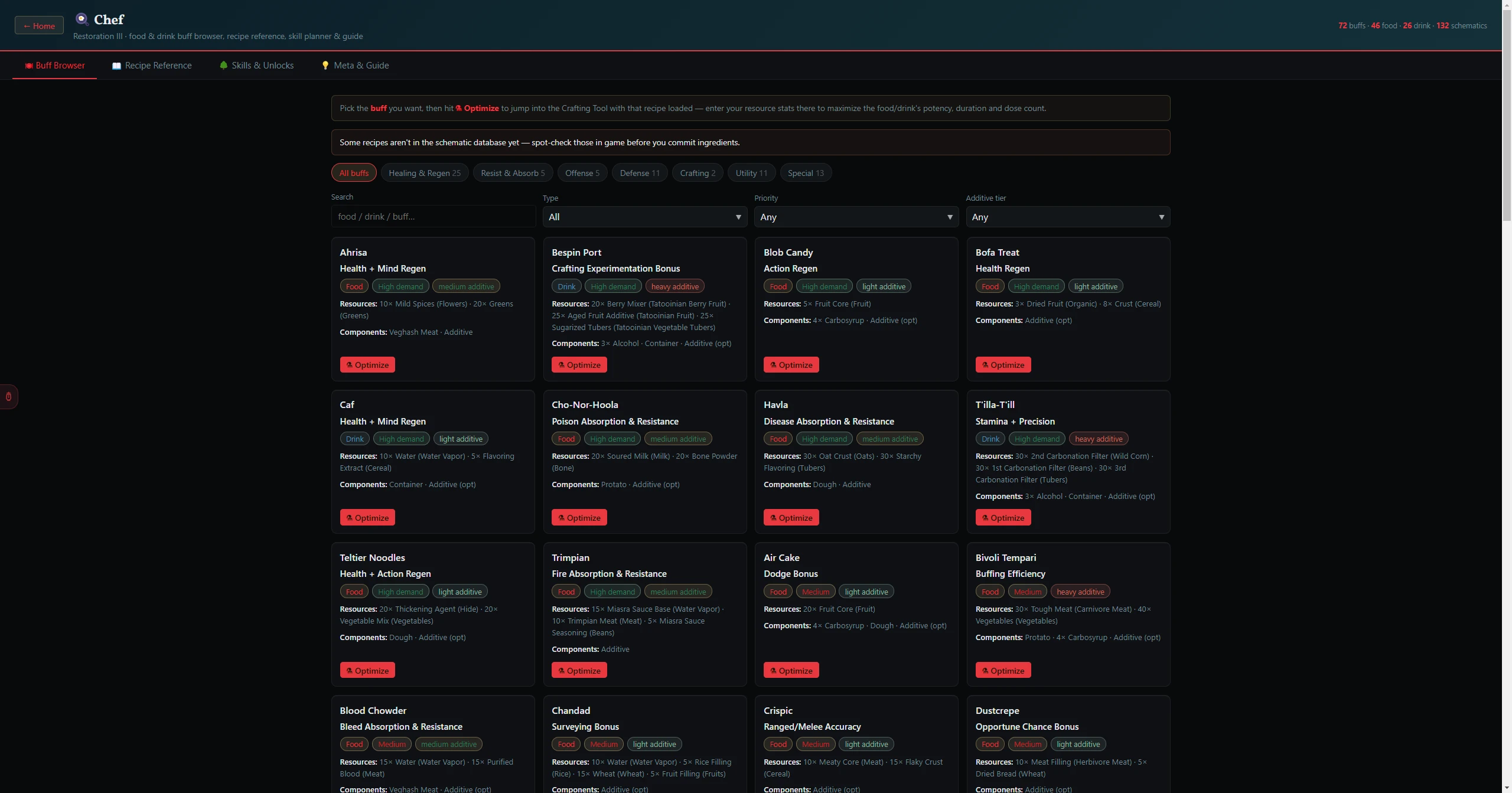
- From the Home Screen, click the Chef card, or search for
chef. - It opens on the 🍽 Buff Browser with every buff shown.
- The four tabs across the top are the whole tool — there is nothing hidden behind a menu.
| Tab | What it shows |
|---|---|
| 🍽 Buff Browser | Every food/drink buff as a card — the buff it grants, whether it's a Food or Drink, its player demand, additive tier, and the resources/components its schematic needs. Filter by category, type, demand, or additive tier. |
| 📖 Recipe Reference | A searchable, sortable table of every Chef schematic (foods, drinks, additives, and components) with its branch, buff, resources, components, and crate size. |
| 🌳 Skills & Unlocks | A checkable Chef skill tree with a live ✅ Recipes Unlocked panel showing roughly which buffs your trained boxes let you cook. |
| 💡 Meta & Guide | The high-demand buffs worth stocking, how Chef buffs work, and Restoration III Chef systems & tips. |
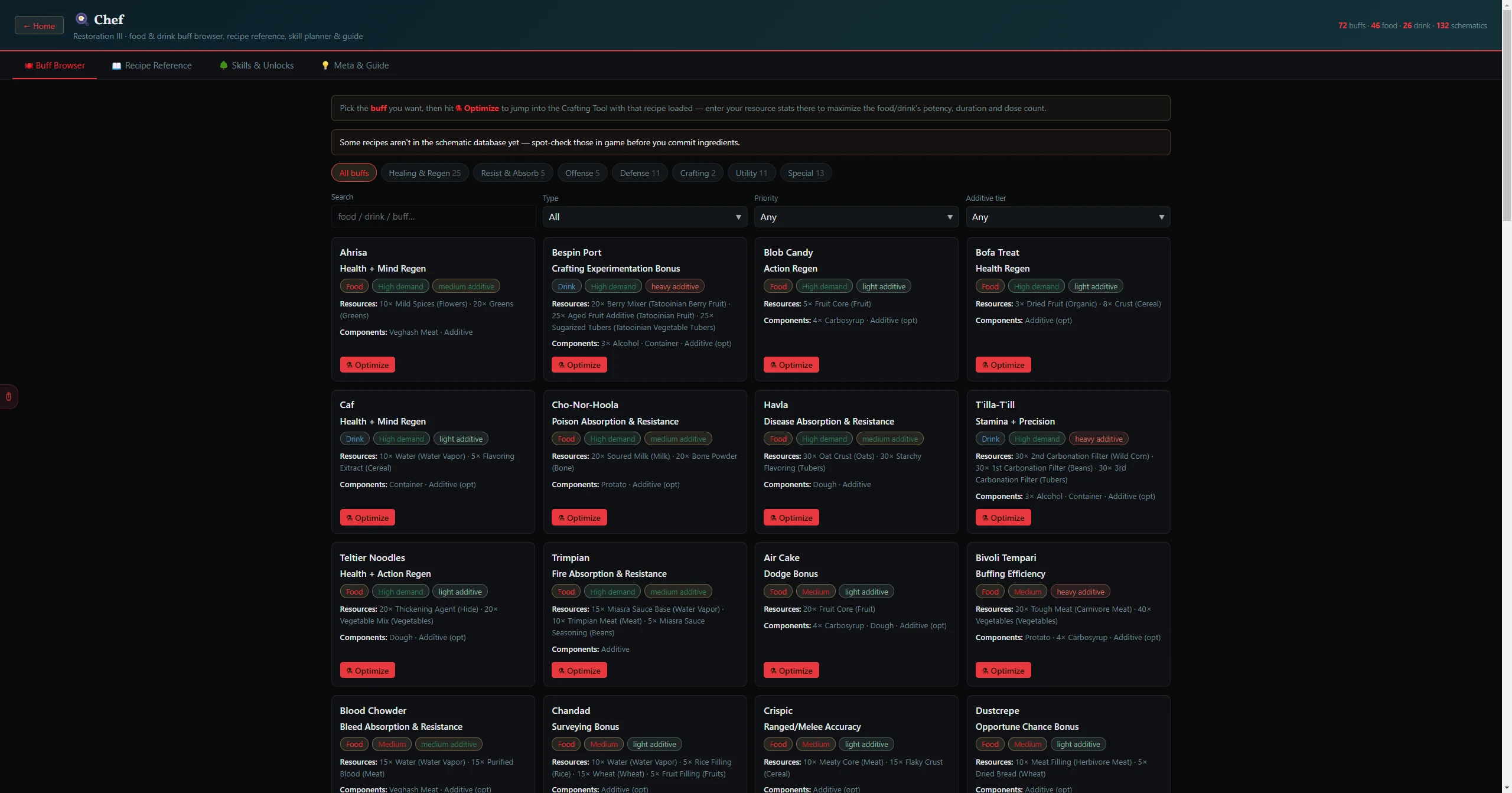
- On the 🍽 Buff Browser, click a category chip (All buffs, Healing & Regen, Resist & Absorb, Offense, Defense, Crafting, Utility, Special) or narrow with the Search, Type (Food only / Drink only), Priority (High demand / Medium / Low), and Additive tier (None / Light / Medium / Heavy) filters.
- Each card shows the buff, a Food/Drink chip, a demand chip, and an additive-tier chip, plus the Resources and Components its schematic needs.
- Click ⚗ Optimize on a card to jump straight into the Crafting Tool with that recipe loaded — then enter your resource stats there to maximise the food/drink's potency, duration, and dose count.
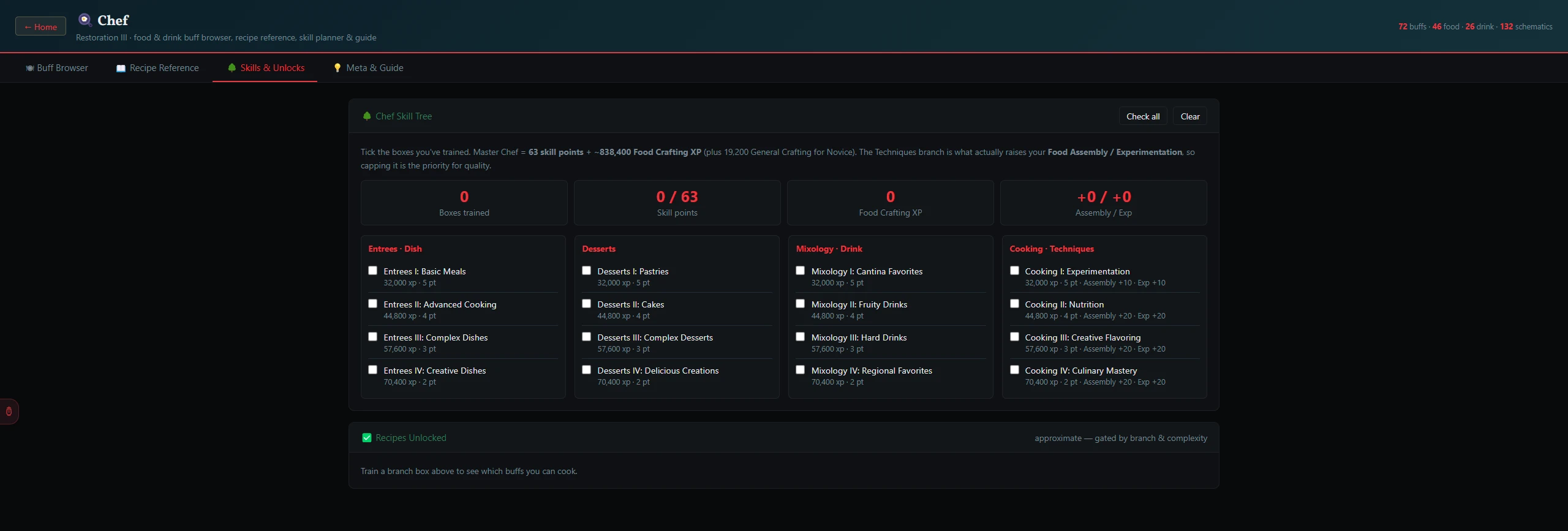
- On 🌳 Skills & Unlocks, tick the boxes you've trained across the four branches — Entrees · Dish, Desserts, Mixology · Drink, and Cooking · Techniques. Use Check all / Clear to set them all at once.
- The stat boxes track Boxes trained, Skill points (out of 63 for Master Chef), Food Crafting XP, and your total Assembly / Exp bonus.
- The ✅ Recipes Unlocked panel estimates which buffs your current boxes let you cook, grouped by Dish / Dessert / Drink.
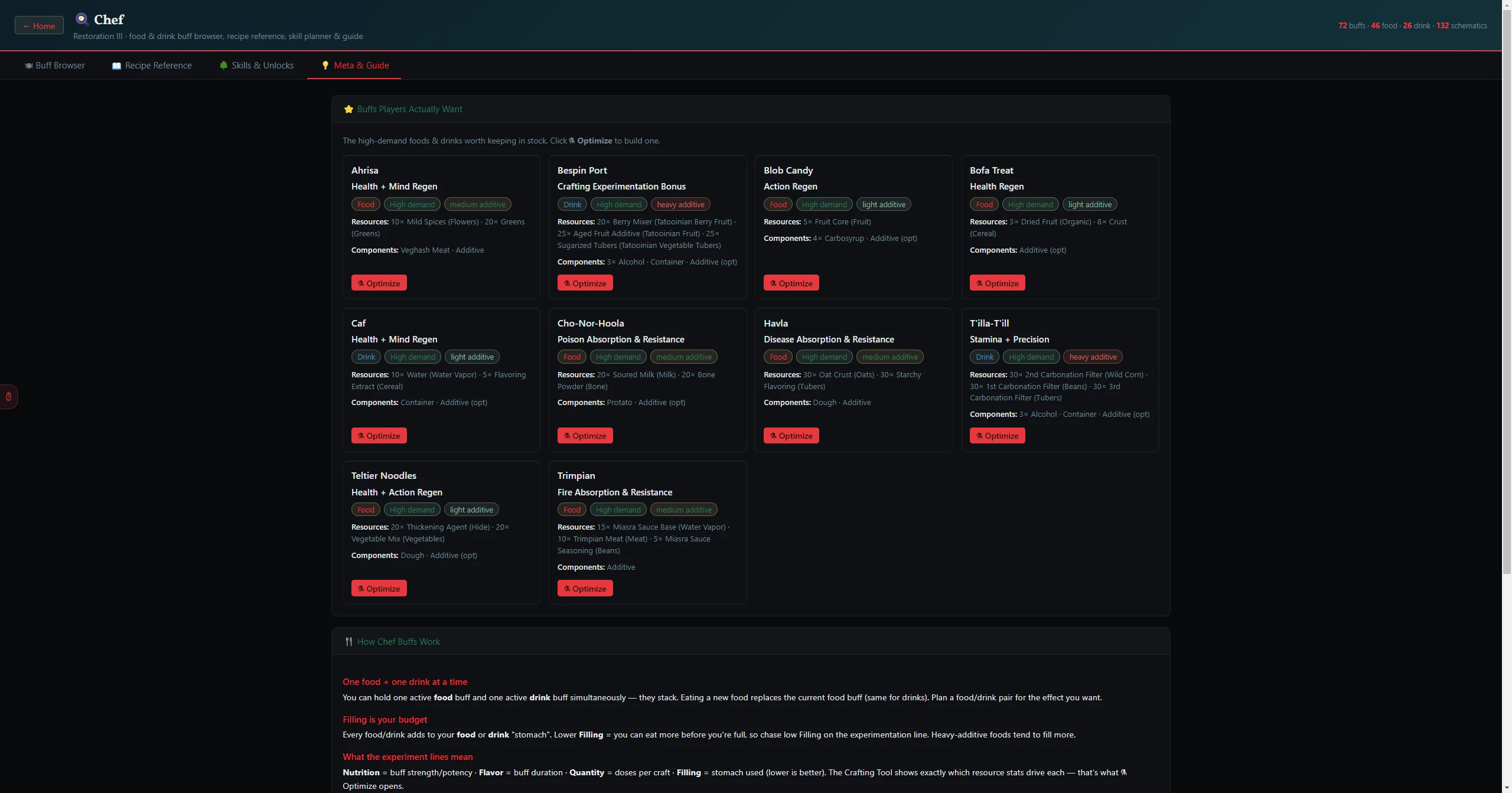
The 💡 Meta & Guide tab is written advice rather than a tool. It covers which buffs people reliably pay for, how food and drink buffs stack, and the Restoration III specifics that differ from live SWG. Two rules from it are worth carrying around:
- You hold one food and one drink buff at a time — so the pair you cook has to be chosen together, not separately.
- Filling is your budget. Every buff costs filling, and a big buff you cannot fit is worth nothing.
| If you want to | Go to |
|---|---|
| Squeeze the most out of your resources for a chosen recipe | Crafting Tool |
| See the raw schematic, ingredient by ingredient | Schematics |
| Find which spawned resources suit food crafting right now | Best Craftable Now |
| Plan the stats these buffs are feeding into | Attribute Planner |