The Kith Guide › Crafting & RE
🍽 Crafting Tool
Max your food stats — resource quality planning and the BE additive pipeline.
The Crafting Tool helps you choose the best resources for any craftable item. Search for a schematic, set your quality target, and the tool scores every resource in your inventory against the schematic's property weights.
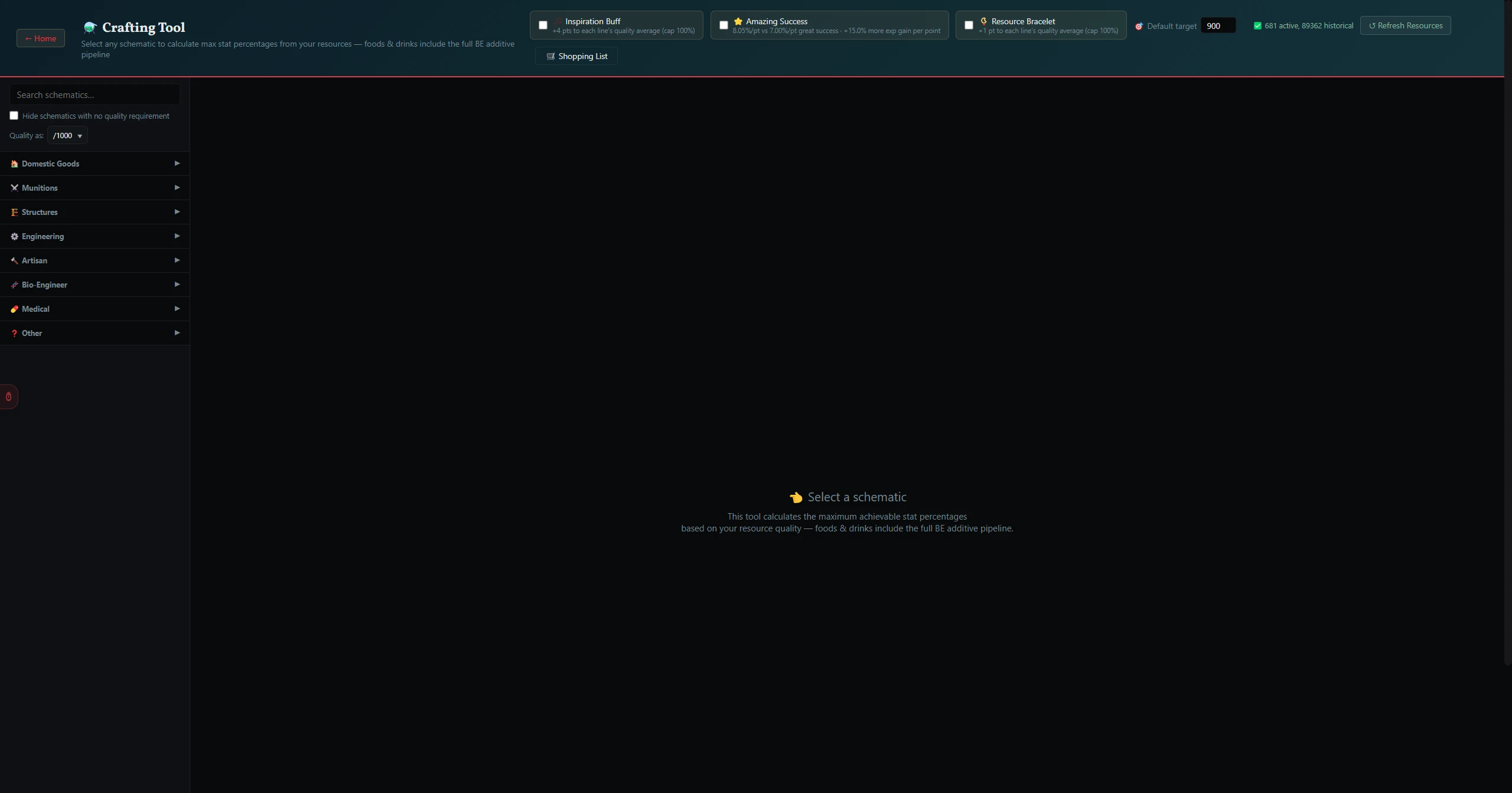
- Type in the Search schematics… field at the top. Results appear as you type — matching schematics from the full game database.
- Click a result to select it. The tool loads the schematic's slot requirements and experimentation properties.
- Each slot shows the resource categories it accepts and how those resources affect the experimentation properties.
The 🎯 Target field lets you set how high you want the experimentation result to be (0–100, default 90). The tool flags which of your resources can reach that target and which fall short.
When you select a schematic, a Crafting Priorities panel appears. By default every property is ranked equally — use the per-property rank dropdowns (1 = top priority) to tell the tool what matters most, and it re-scores resources to favor those properties. Click ↺ Reset to equal weighting to clear your ranks.
| Button | What it does |
|---|---|
| 🛒 Shopping List | A toggle (shows 🛒 Shopping List ✓ when on) that switches to Shopping List Mode — tick the schematics you want in the sidebar, then click Generate List to build one combined resource list across them all, with recommended sources highlighted and gaps called out in red. |
| 📋 Export Selected | Copies the resources you've checked to a sharable list — use ☑ Select All / ☐ Clear to choose what's included. The copied text opens in a 📋 Export Shopping List popup you can paste into Discord or a text file. |
Below the recommendations, the Raw Resources section shows the underlying stat breakdown for each slot — comparing live/historical spawns against your personal inventory — with 🎯 Auto-fill Best and 🎒 Auto-fill Inventory buttons to populate a slot's pick.
For most craftable items, a Predicted Item Stats panel appears at the bottom once you've filled in resources. Where the experimentation caps above tell you the quality % you can hit, this panel recreates the in-game crafting screen and shows the exact final item stats — the actual damage, speed, effect, charges and so on that a fully-experimented craft would yield. No RNG; these are the best achievable values.
- Each of your resource columns (Current/Historical, Best of Current + Owned, Inventory) that has stats entered becomes a column in the results table, so you can compare final items side by side.
- Toggle 🏆 Best possible to add a theoretical ceiling column — the finished item you'd get from the best resource of each class ever seen — so you can see how close your build gets.
- Use 📌 → A / 📌 → B to pin a build as a snapshot; pinned columns stay put with per-attribute deltas (green/red) as you try other resources, and low-is-better attributes are flagged so a lower number reads as an improvement where appropriate.