The Kith Guide › The Shuttleport
📜 Chat-log Loot Watcher
Let the desktop app record every drop, boss kill and !stat line straight from the game's chat log — no typing at the loot table.
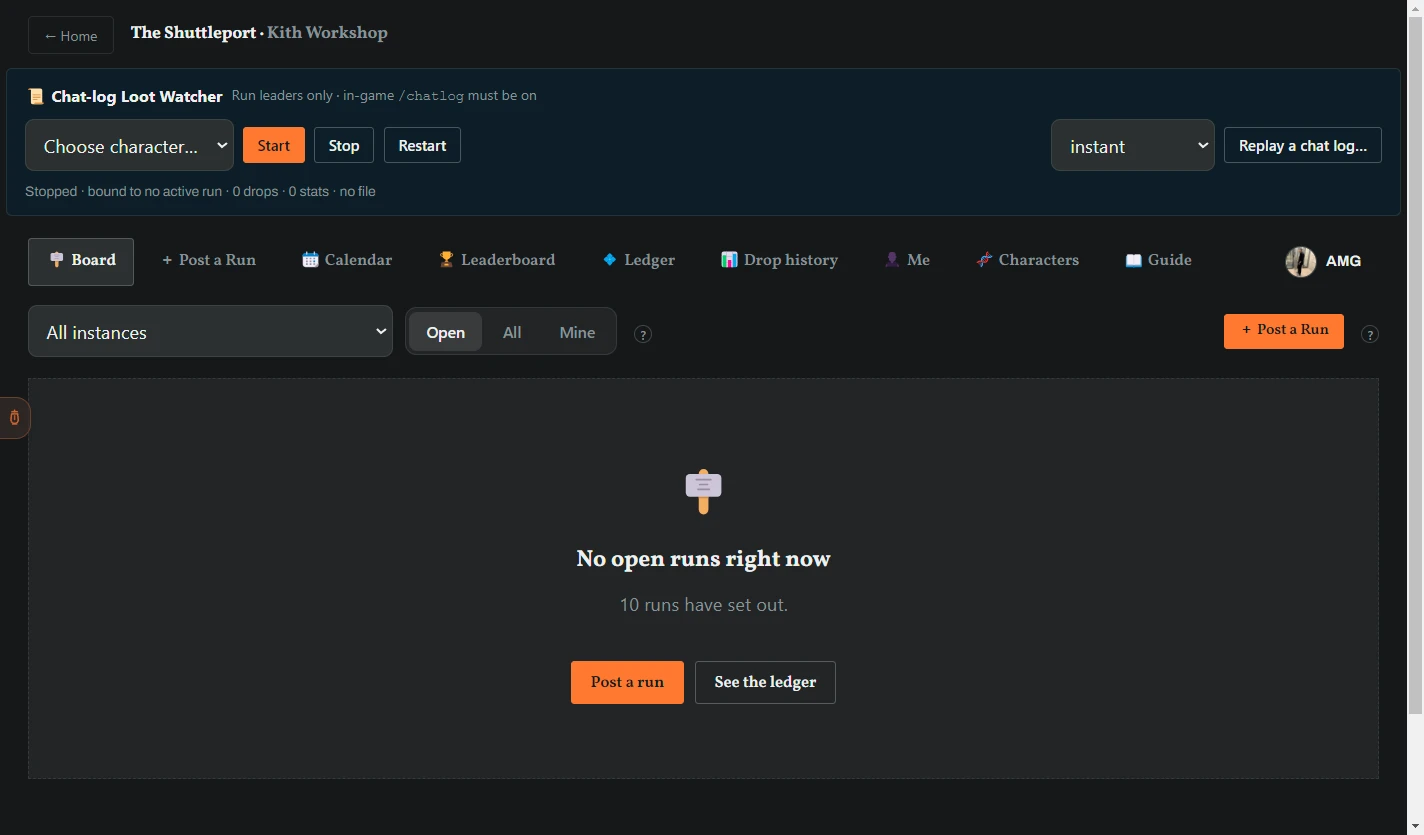
The Chat-log Loot Watcher lives in the Kith Workshop desktop app (Home → LFG Board). While it runs, the app reads your character's chat log as the game writes it, and the run's loot list fills itself in — the leader never types a drop, and anyone on the run can add stats by talking in group chat.
New to finding game files? Follow Account: Game chat logs for the folder walkthrough and scan results. Character Profile stores your build and role; Sales Ledger reads mail. Neither one switches on this watcher.
| It sees in the log | It does |
|---|---|
X looted Y from corpse of Z. (the group loot line) | Records the drop on your run — looter, item, and the boss it came from. Catalogue items are matched by name; anything else is kept as a custom drop. |
| The first drop from a known boss | Counts a boss kill for the run — that is what the Drop history measures. |
!stat … in group chat | Attaches stats to that speaker's most recent drop — see In-game stats below. |
This instance will close in 300 seconds · Processing eject request… | Notes the instance ending; the eject stops the watcher. |
Chat logging ON | Confirms the log is live. |
!stat lines for the bound run are read; spatial, tell and guild chat are ignored.- Link your game folder once, in Account Management (Home → Account Management → Game chat logs → Browse to your Restoration folder…). Pick
C:\SWG Restoration\x64\profiles\<your account>\Restoration; the app saves it immediately, finds every character's chat log there, and matches each to its character by itself. - In game, type
/logand confirm Chat logging ON. The file only fills while it is on. - Be the leader of a run that is Forming or Underway.
- Open the LFG Board in the desktop app. The panel is at the top: 📜 Chat-log Loot Watcher — Run leaders only · in-game /log must be on.
- Tick Auto — watch whichever log is live at Set out. That is the whole job: when you Set out, the app checks which of your chat logs is actually being written and starts watching that character on its own. If your run is already Underway when you tick the box, it starts right away.
- Play. Each drop bumps the counter and appears on the run page and the Discord card within seconds.
- There is nothing to stop: the watcher stops itself when the run leaves Forming/Underway, and unticking the box stops it early. The status line under the box always says what the watcher is doing — and, on any error, exactly what to fix.
Drops seen while the run is still Forming — or before it is bound to a run — are held and sent all at once the moment the run sets out, so you can start the watcher early. !stat lines are never held; they count only while the run is Underway. The watcher stops itself when the run is no longer Forming or Underway, and when it sees the eject line.
| Message | Meaning |
|---|---|
| Armed — starts by itself when you set out. | Auto is on and waiting for your run to set out. |
| Watching Name — auto-picked the live log. | The watcher found the one log being written and bound it to your run. |
| Link your game folder in Account Management first (Home → Account Management). | The app does not know where your chat logs live yet — do the one-time folder link. |
| 📜 No chat log is updating. Type /log in game and confirm "Chat logging ON", then untick and re-tick Auto. | Chat logging is off in game, so nothing is being written. |
| Watching Name … (2 logs were live — picked the busiest) | Dual-boxing: two logs were being written, so Auto picked the busiest linked one. Group loot appears in every member's log, so either records the whole run. |
| The live chat log is not linked to a character. Rescan your game folder in Account Management (Home → Account Management). | The log being written is one the app has not matched yet. |
| Chat log is stale (over 10 minutes). In game, type /log and confirm "Chat logging ON". | The game stopped writing the log — usually /log got toggled off. |
| LFG ingest failed / not on this run / no matching recent drop | The backend refused a line — the looter or !stat speaker is not on the roster, or the run is not Underway. |
Anyone on the run can enter a drop's stats without leaving the game, as long as the leader's watcher is running. In group chat, type:
!stat min=37 max=83 spd=-0.12
- With no item named, it applies to your own most recent drop on this run. To point at a specific drop, put part of its name before a bar:
!stat decrepit | min=37 max=83 spd=-0.12. - Keys are the short labels on the loot row:
min,max,spd(orspeed),stat(Health or Action on a weapon augmentation;modestill works),value,crit,health,dmg,quality,atkspd,atkcost.key valueandkey:valuework too; case does not matter. !stat clear(or!stat clear decrepit) removes the stats again.- Champion's jewelry takes the roll names instead of numbers:
!stat 40=ranged 25a=def 25b=tough def=ranged—40is the +40 attribute,25a/25bthe two +25s (def,endur,melee,tough,opp,ranged), anddefthe +35 defense mod (ranged,melee, a weapon such as2horpistol, or a state such askd/stun). You can record just the part you can see:!stat def=ranged. - The bot confirms in the run thread — 📏 Name set stats on Decrepit Melee Enhancement — Min 37 · Max 83 · Spd -0.12 — and the leader's app shows a toast. Not on this run or no matching recent drop means the speaker is not on the roster or has not looted that item on this run.
Stats entered this way show on everyone's loot rows and rank lists exactly as if the leader had typed them — see Leading a run.
Replay a chat log… feeds an old *_chatlog.txt through the watcher as if it were live, so you can see a whole run's loot land on a run page without anyone in the instance.
- Post a 🧪 Sandbox run (Post a run → Sandbox run 🧪) and Set out.
- Open that run's page, pick a speed — instant, 10×, or 1 line/second — and click Replay a chat log…. Choose the file.
- Watch the drops, boss kills and
!statlines arrive. Wrap up or purge the sandbox run afterwards.
Replay refuses anything but a sandbox run you lead that is Underway — "Replay only works with a sandbox run — this run is live." The bundled *_chatlog_sample.txt is accepted as a test file.
Read this page on the web — and share it — at https://kith-swg.com/guide/lfg-watcher/