The Kith Guide › On the web
👗 Laschana's Tailor Studio
Dress a 3D character, dye it to taste, and send the finished look to a tailor.
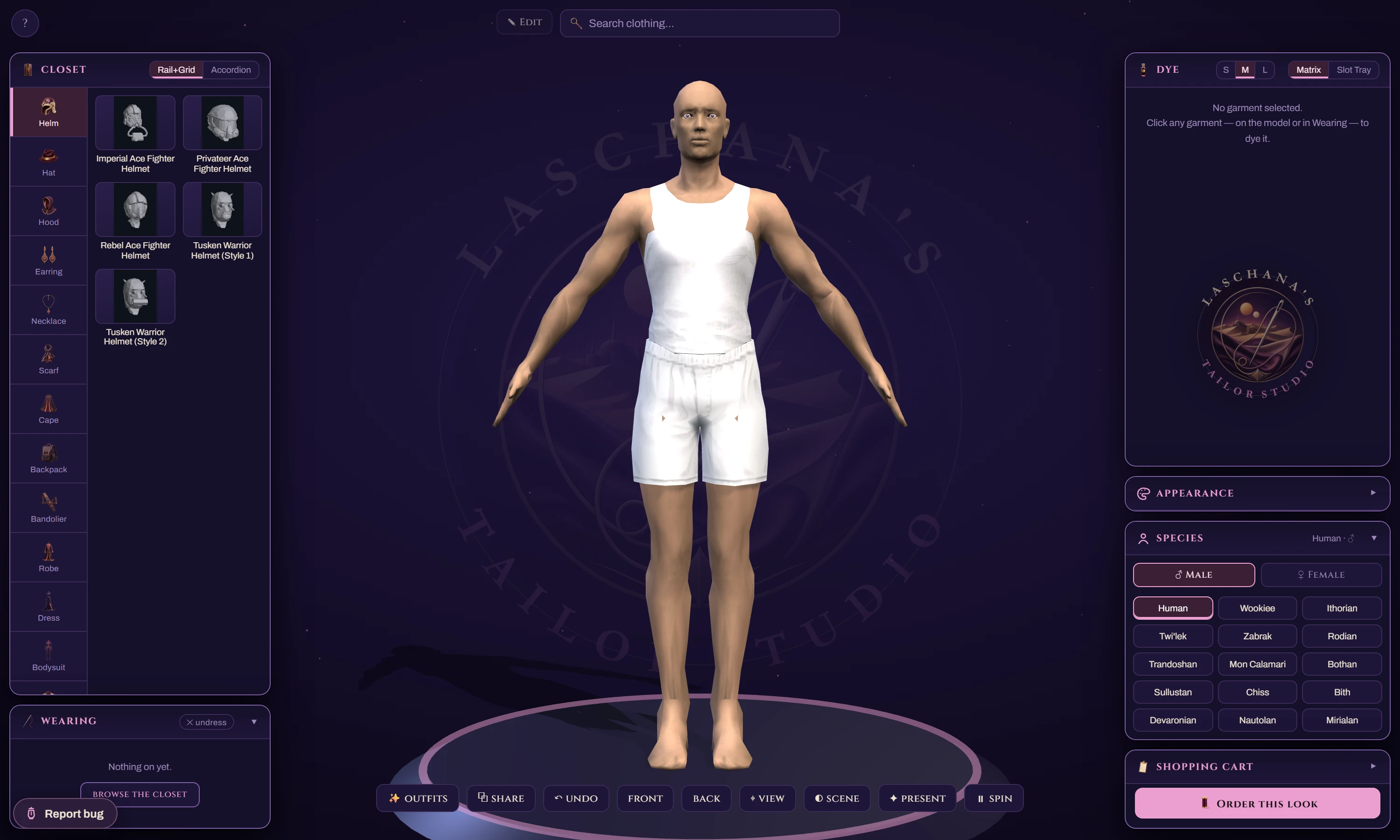
The Tailor Studio is a dressing room. You put clothes on a real 3D character, dye them with the actual in-game palettes, spin it around until you like it, and then send the finished look to a tailor who makes it for you. Nothing here is a mock-up — the models and the dye colours come from the game client, so what you see is what you get.
?beta=1.| Action | How |
|---|---|
| Rotate | Drag |
| Zoom | Scroll |
| Zoom to one garment | Double-click something the character is wearing |
| Reset the camera | ⌖ view, below the model |
| Help at any time | The ? button — it also replays the tour |
The first visit runs a three-step tour pointing out the Closet, the mannequin and the Cart. Lost it? ? → ↻ replay the tour.
Before dressing anything, get the body right — garments hang differently on different species.
- Open the Species panel.
- Pick the species and gender you play.
- Adjust skin and hair if you want the preview to look like your character.
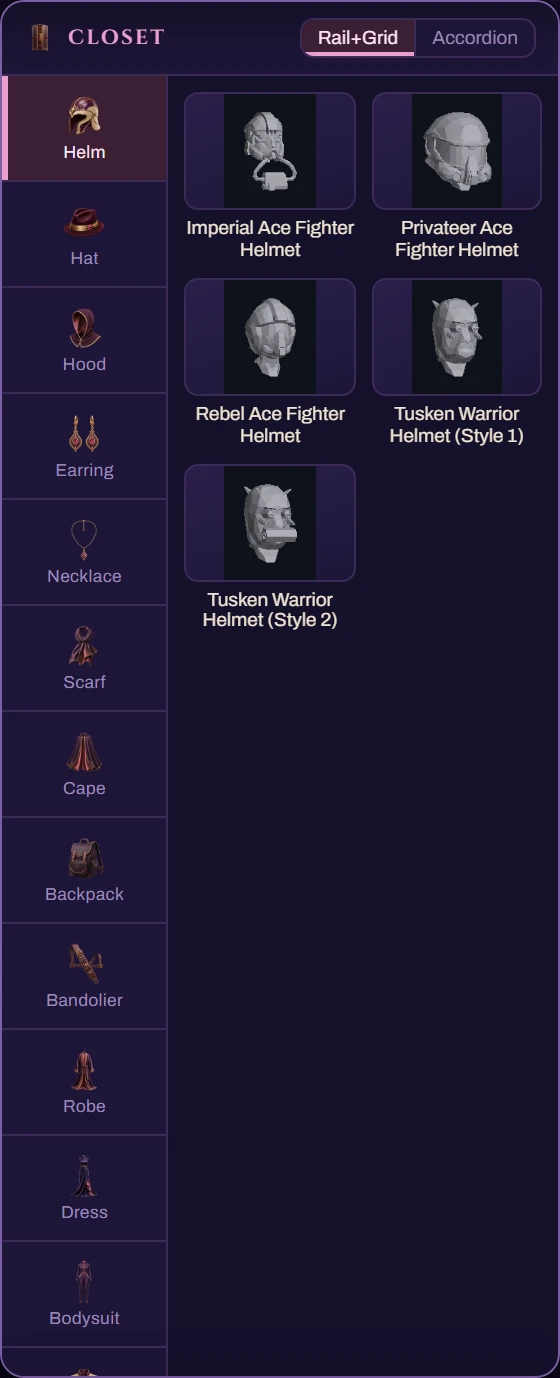
- Open the Closet.
- Browse by slot — shirts, pants, jackets, robes, hats, shoes and so on.
- Click a garment to put it on. It appears on the model immediately.
- Click it again, or use the Wearing list, to take it off.
Layering works the way it does in game: a jacket goes over a shirt, a robe covers most things.
This is the part that matters, and the part that is genuinely accurate.
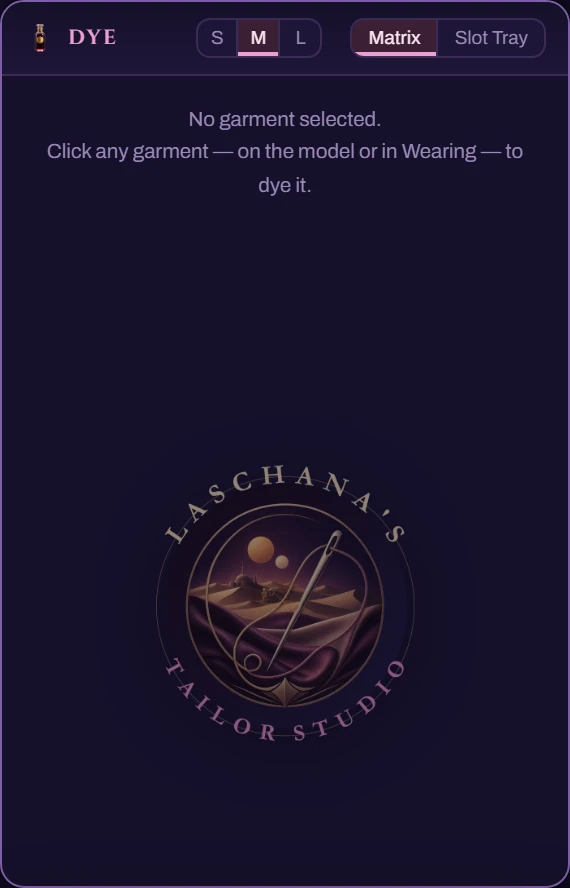
- Click a garment — either on the mannequin or its card in Wearing. That selects it for dyeing.
- The Dye panel fills with that garment's real in-game palettes. Different garments have different palettes; this is not a generic colour picker.
- Click a swatch to apply it.
- Some garments are two-tone and have a second region — the panel shows both.
A-N3. That coordinate is exactly the cell the tailor dyes in game, which is why the preview matches the result. Click the coordinate line to copy it.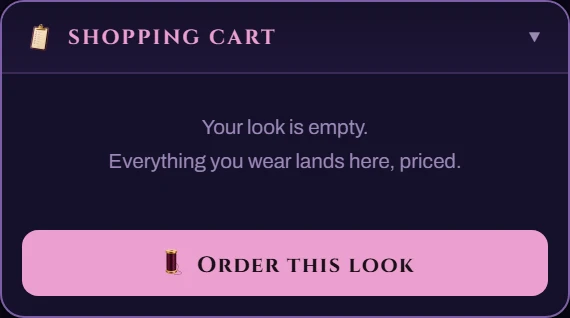
- Open the Cart. Everything you are wearing is itemised with its price.
- Adjust anything you have changed your mind about.
- Click Order this look.
- The order goes to the tailor through Discord. You get confirmation and status updates by DM — see the Scribe guide.
Prices always show in the Cart before you commit. Nothing is ordered by dressing the mannequin.
⧉ share copies a link that recreates the exact outfit — species, garments, dyes and all. Paste it in Discord and the other person sees precisely what you built.
The shopfront page walks through the whole process from mannequin to mailbox in three steps — worth reading once before your first order.
| Problem | What to do |
|---|---|
| "Private beta" notice | Use ?beta=1 once on that browser. |
| The model will not load | It is a large 3D scene. Give it a moment on a slow connection; if it never appears, your browser may have WebGL disabled. |
| A dye looks wrong versus in-game | Report it with the garment name and the coordinate. Dye accuracy is taken seriously and fixed against the client files. |
| A garment is missing | The wardrobe is generated from the client; if something you own is absent, say so and it can be added. |
| The intro video plays every time | It is meant to be once per session. If it repeats, report it. |
Use the Report bug button on the page — see Reporting a Bug.