The Kith Guide › Crafting & RE
📜 Schematics
Every schematic by profession — ingredients, stat ranges, and the best resource per slot.
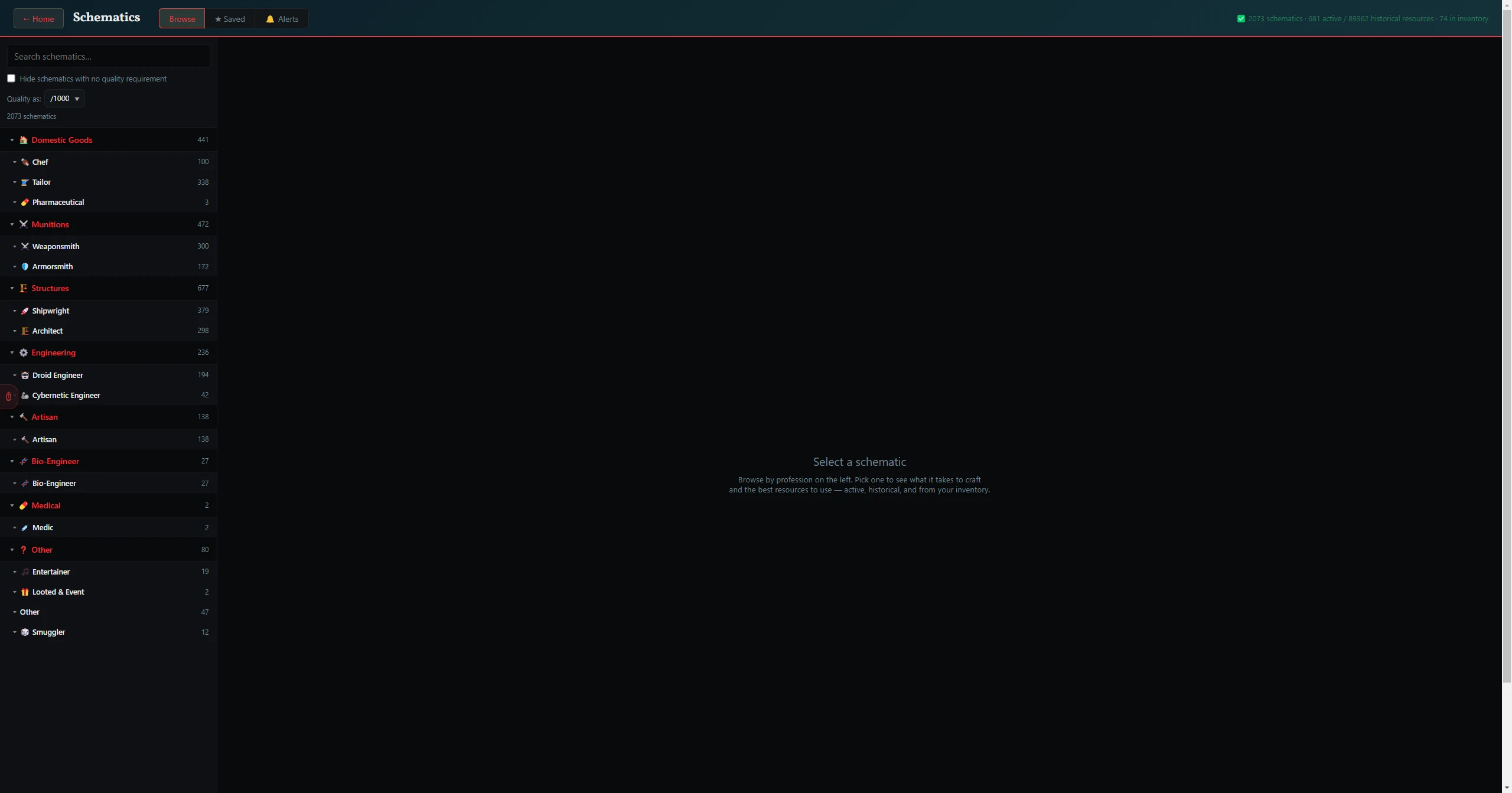
The Schematics browser is a searchable reference for every draft schematic in the game, organized into the same Specialization → Sub-profession → Category tree as the Crafting Tool (e.g. Domestic Goods › Tailor › Robe). Open any schematic to see its resource slots, component requirements, and experimentation groups.
How It Works
- Browse by drilling down the profession tree, or use Search to jump straight to a schematic by name.
- Each schematic shows its resource slots (with the required resource class per slot), any sub-component requirements, and the experimentation groups with their stat weights.
- For resource slots it surfaces a best-match resource from the live database, so you can see at a glance what's worth gathering for that recipe.
Tip: the Schematics browser is the reference view; when you're ready to actually plan a craft with specific resources, jump to the Crafting Tool — its Predicted Item Stats panel shows the exact final item your picks will produce.